Title yet to decide
Wednesday, February 22, 2012
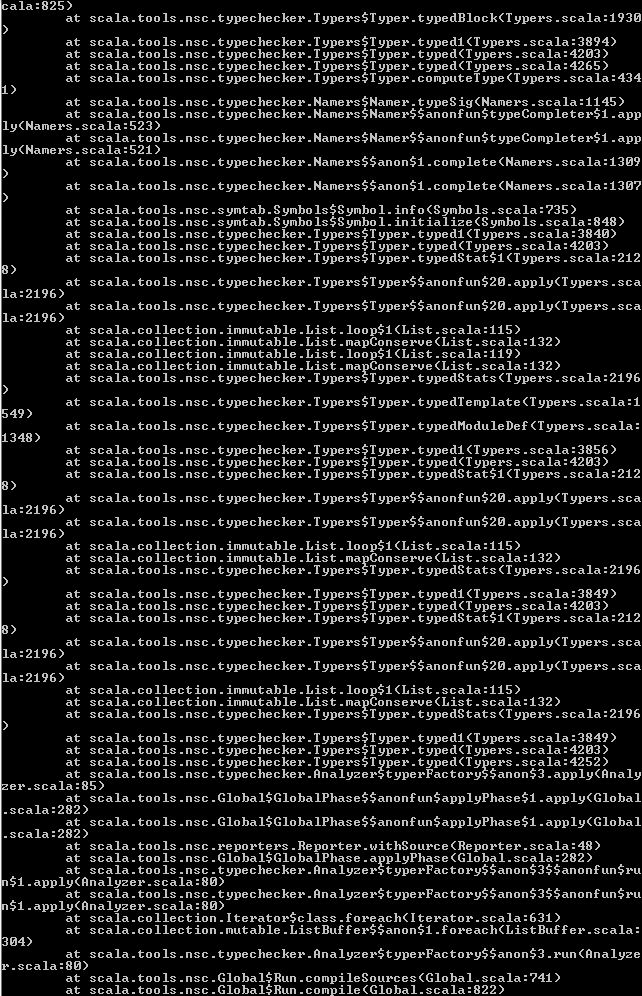
errors
Errors that usually found when everything does not go fine
In Ubuntu,
when wrong version of sbt is installed
In Windows
Tuesday, February 21, 2012
Install ScalaCheck
Open the Command Prompt, go to the Scala installed locataion
c:\scala\bin
Use the the command
c:\scala\bin sbaz install scalacheck
Install Scala in Windows 7
Before Installing Scala, make sure that
Java 1.5 or higher version
is already installed in the system.
Download
Scala 2.9.1 Stable Release
for Windows and Install in C:\scala as shown in the below picture.
To work with the Installed Scala from the command prompt ,set the path for both Java and Scala.
Open Command Prompt and type javac, if everything is set fine you see the below output
Similarly for Scala,
Monday, February 20, 2012
Improving test coverage for Acumen using property based testing and case study in quantified property based testing.
Newer Posts
Home
Subscribe to:
Posts (Atom)